
Your own banner and tifo
Banners and tifos are the biggest match-day contributions. You can raise them from a template, or make your own design with your own text — it brings more points and hangs on the stand wall.
How to make a design
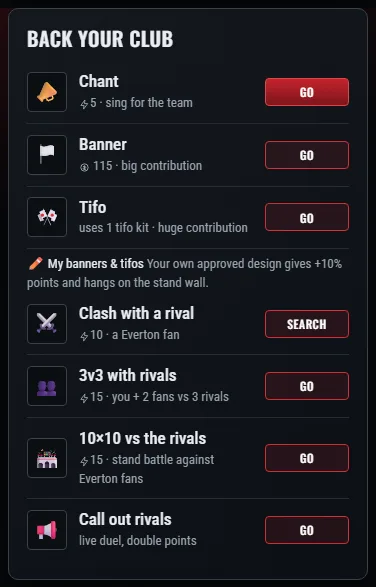
- Open your club’s match page and in “Back your club” tap “My banners & tifos”.
- Choose a banner or a tifo.
- Write a text of up to 40 characters and pick two colours: background and text.
- Send it for review — a moderator will look at it soon.

The rules
A moderator checks every design. Not allowed: links, betting and casinos, politics, insults and other people’s brands. Up to 3 designs can be in review at once, 12 in total. A rejected design can be deleted and a new one made.
What your own design gives
When you raise a banner or a tifo on match day, pick your approved design in the list next to the action instead of the template — the contribution brings 10% more points. And the design itself appears on the stand wall on the match page, where every fan sees it.
The crew banner
Don’t confuse it with the crew banner: the whole crew sews that one in the Banner Room from fabric, paint and ink, and it gives a bonus to every member for the club’s next match.